Download
Download Flame IDE
Desktop builds are available for macOS, Windows, and Linux.
Choose your platform below to download and install.
macOS
Apple Silicon & IntelWindows
x64 & ARM64Linux
AppImage & .debSystem requirements
- macOS on Apple Silicon or Intel
- Windows 10 / 11 installer (x64 or ARM64)
- Linux x64 or arm64 for AppImage; x64 for .deb
- Git is recommended; optional language toolchains are detected from PATH
- Memory and accelerator requirements for local AI depend on the model and local engine you choose
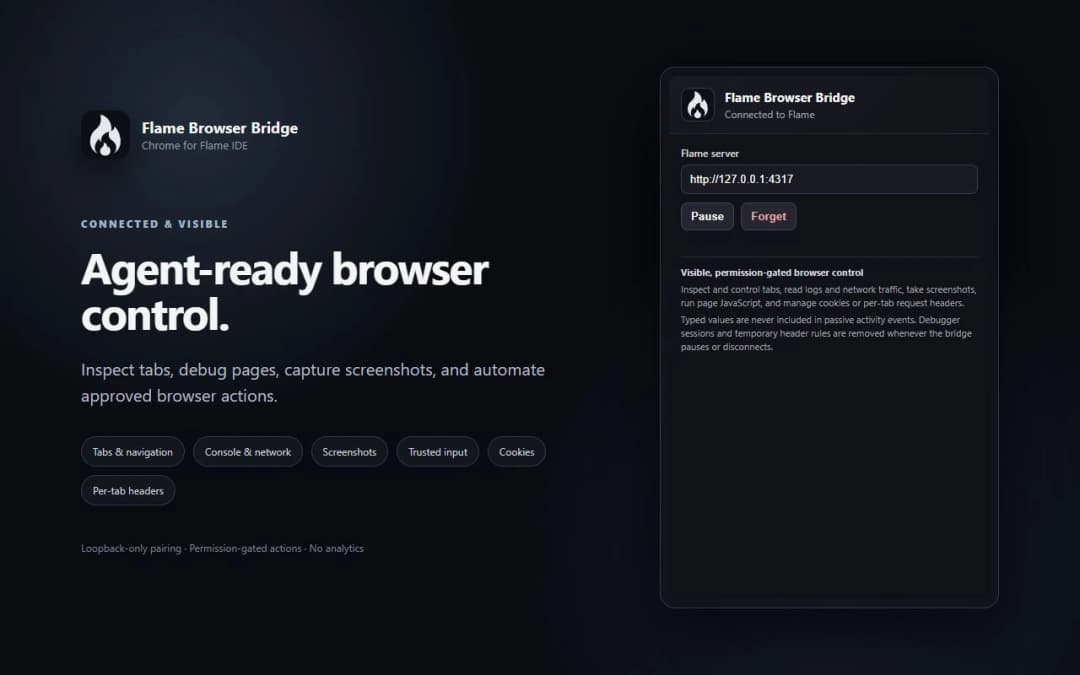
Flame Browser Bridge (Chrome Extension)
Pair your real Chrome profile to Flame IDE so permission-gated AI agents can inspect live DOM, capture screenshots, view console logs, and debug network events.